Move around your Mac without losing your place.
Switch Spaces, find a window, or open an app without hunting around. Stash, Calendar, and system activity are there when you need them.
The windows behind this one are live. Choose one in the HandyBar to explore it.
One-time purchase. Keep using HandyBar for as long as you like.
Every release published in the next two years is yours to keep.
Every future HandyBar release is included.
Keep using the versions you already have. A release published later needs a new license at the price available then.
HandyBar uses Accessibility to understand visible windows and Spaces on this Mac. It does not upload document contents, window titles, keyboard input, or the Accessibility tree.
Prices are in USD. Tax is shown at checkout. No subscription.
See windows across every Space and connected display. Choose one to jump to its Space and bring it forward.
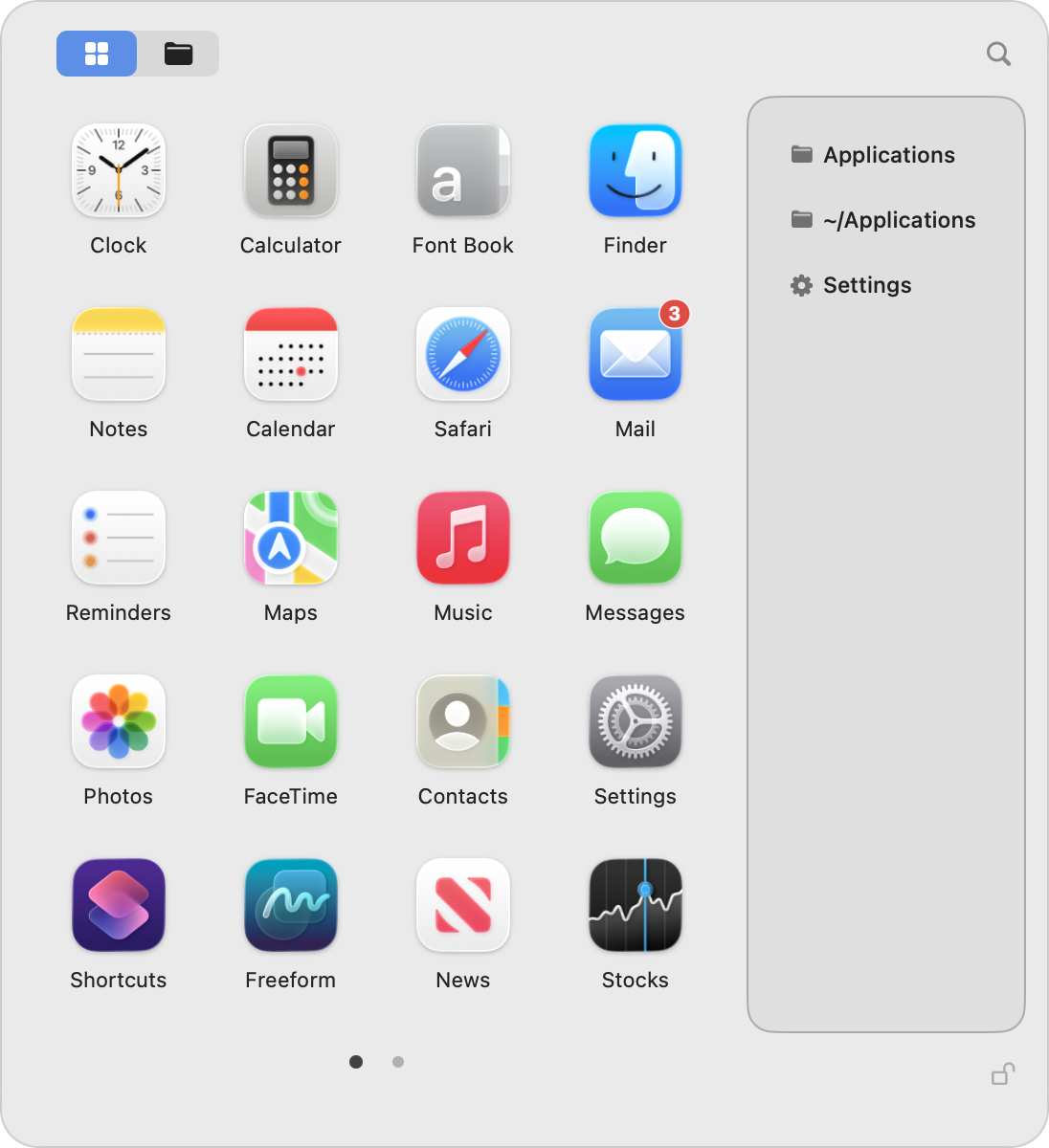
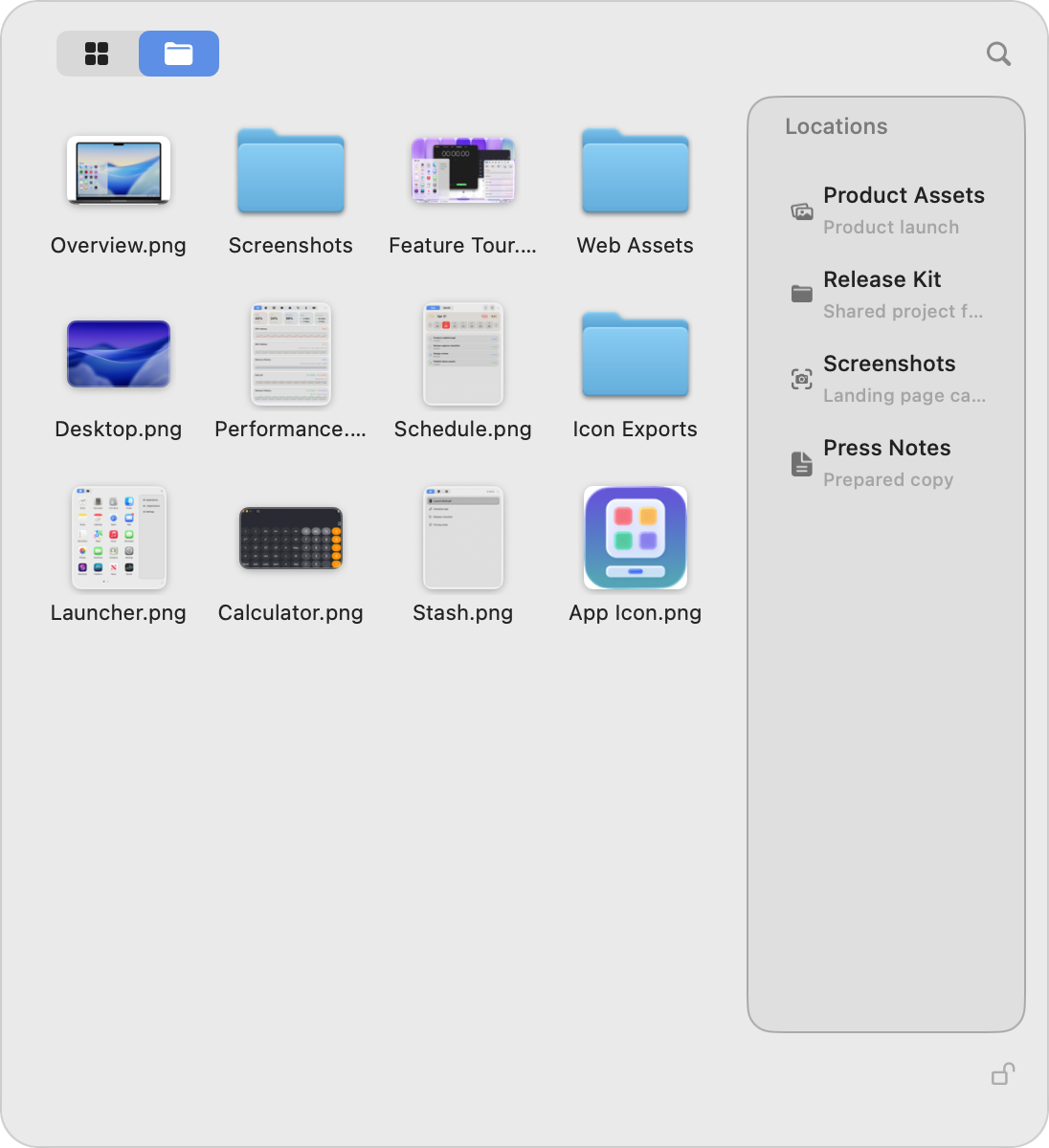
Use the same Launcher for both. Search installed apps, recent items, and the folders you choose.
Open any of them from the bar. Switching to another keeps the same window and changes what it shows.
Move around your Mac without losing your place.
Switch Spaces, find a window, or open an app without hunting around. Stash, Calendar, and system activity are there when you need them.
See windows across every Space and connected display. Choose one to jump to its Space and bring it forward.
Search installed apps, recent items, and the folders you choose from the same Launcher.
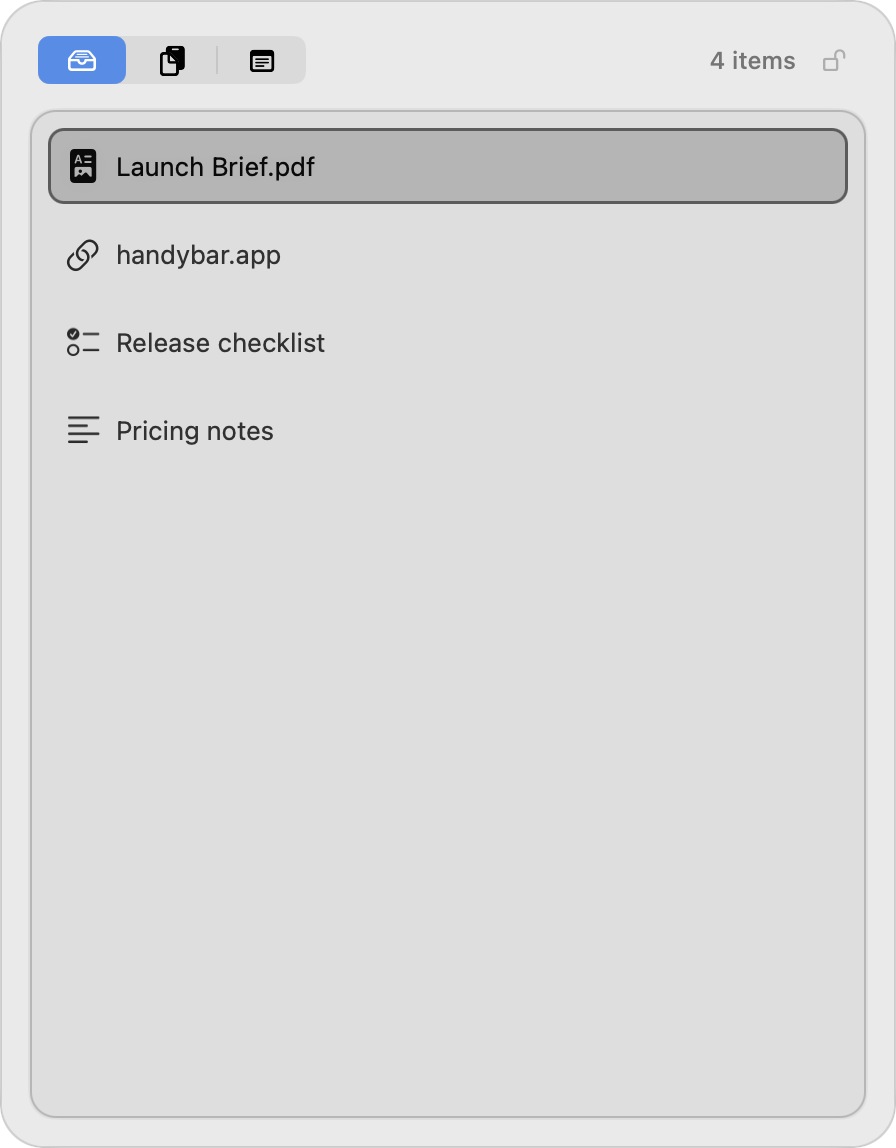
Drop in a file, link, image, or piece of text. Clipboard history and a pinned note stay close by.
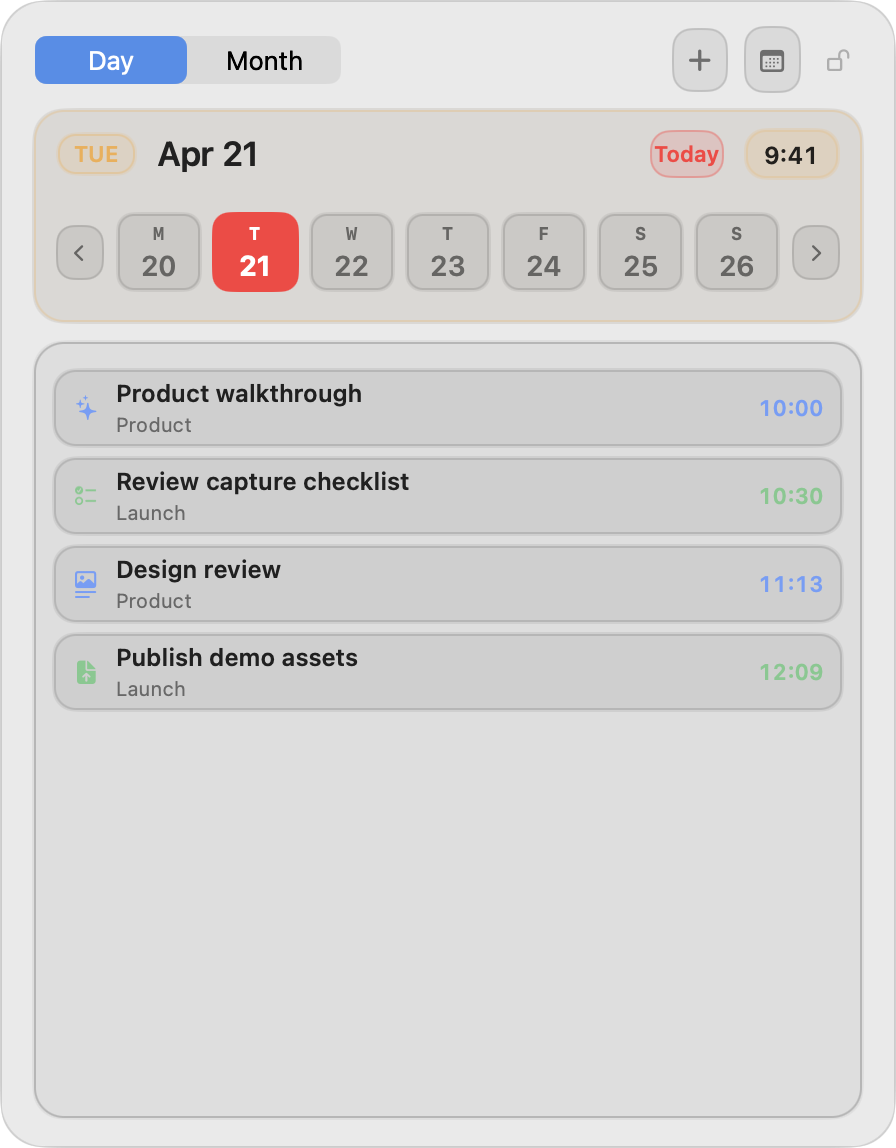
Open Day or Month view, then add and edit Calendar events or Reminders.
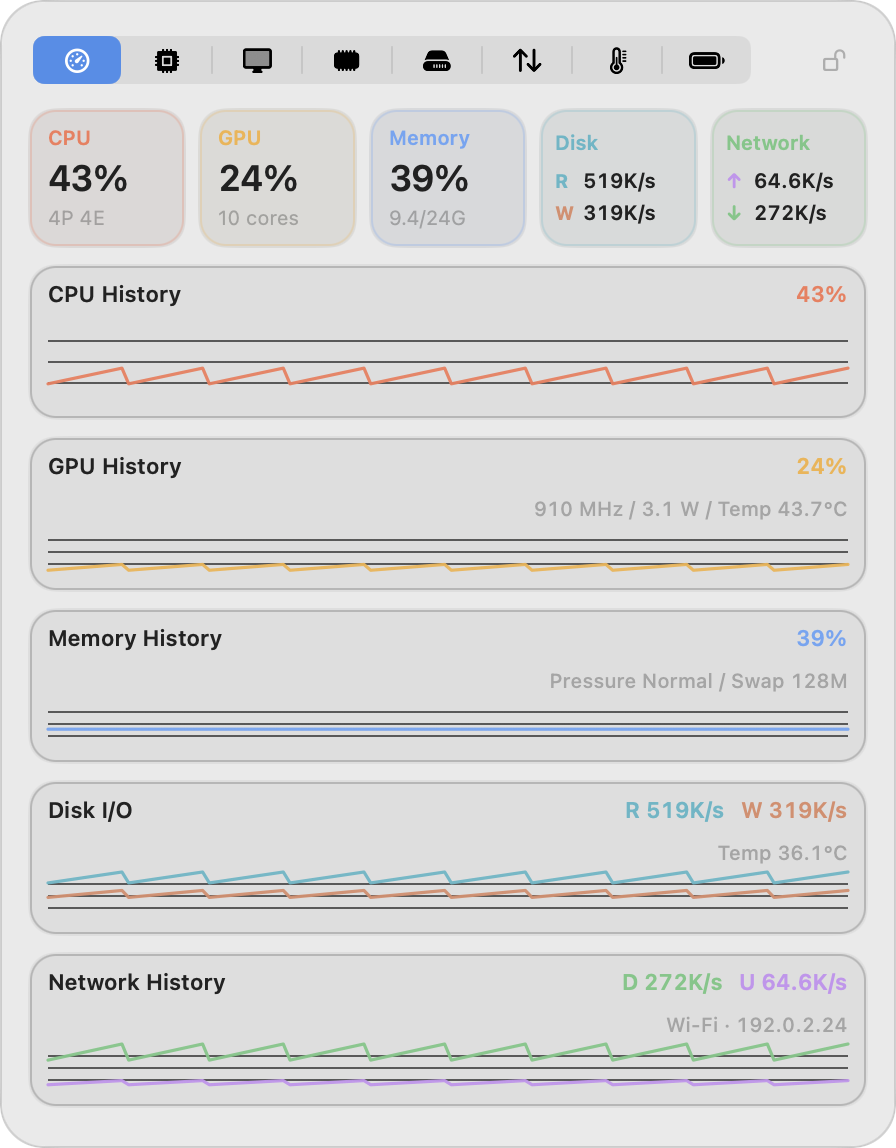
Check CPU, GPU, memory, storage, network, temperatures, fans, busy processes, and battery at a glance.
One-time purchase. Keep using HandyBar for as long as you like.
Every release published in the next two years is yours to keep.
Every future HandyBar release is included.
Keep using the versions you already have. A release published later needs a new license at the price available then.
HandyBar uses Accessibility to understand visible windows and Spaces on this Mac. It does not upload document contents, window titles, keyboard input, or the Accessibility tree.
Prices are in USD. Tax is shown at checkout. No subscription.